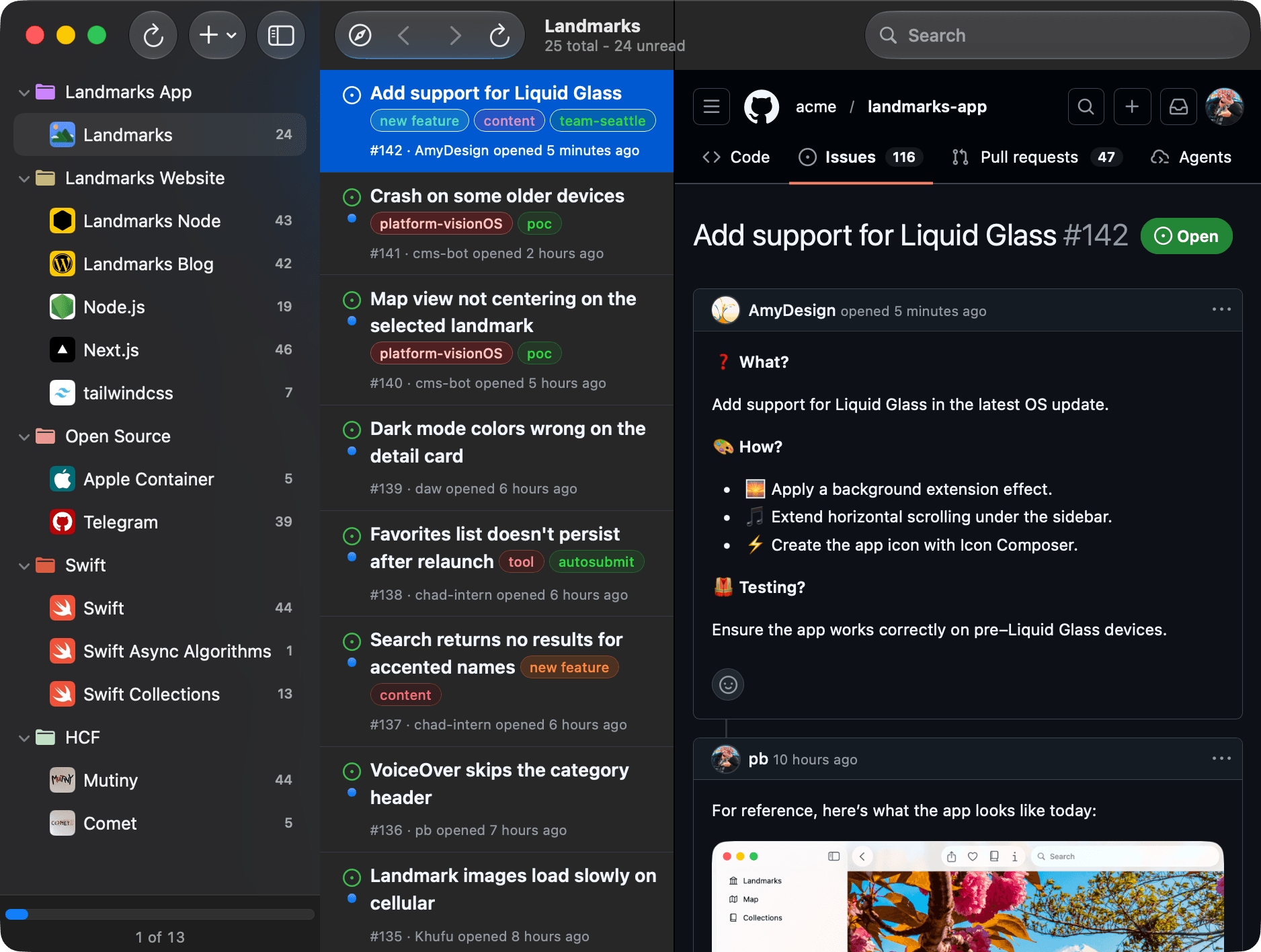
Native notifications
Get a notification when issues are opened or updated
- Tap on a notification to view issue details
- At a glance quickly see condensed relevant issue info
- Open Notification Center to see all recent issue notifications
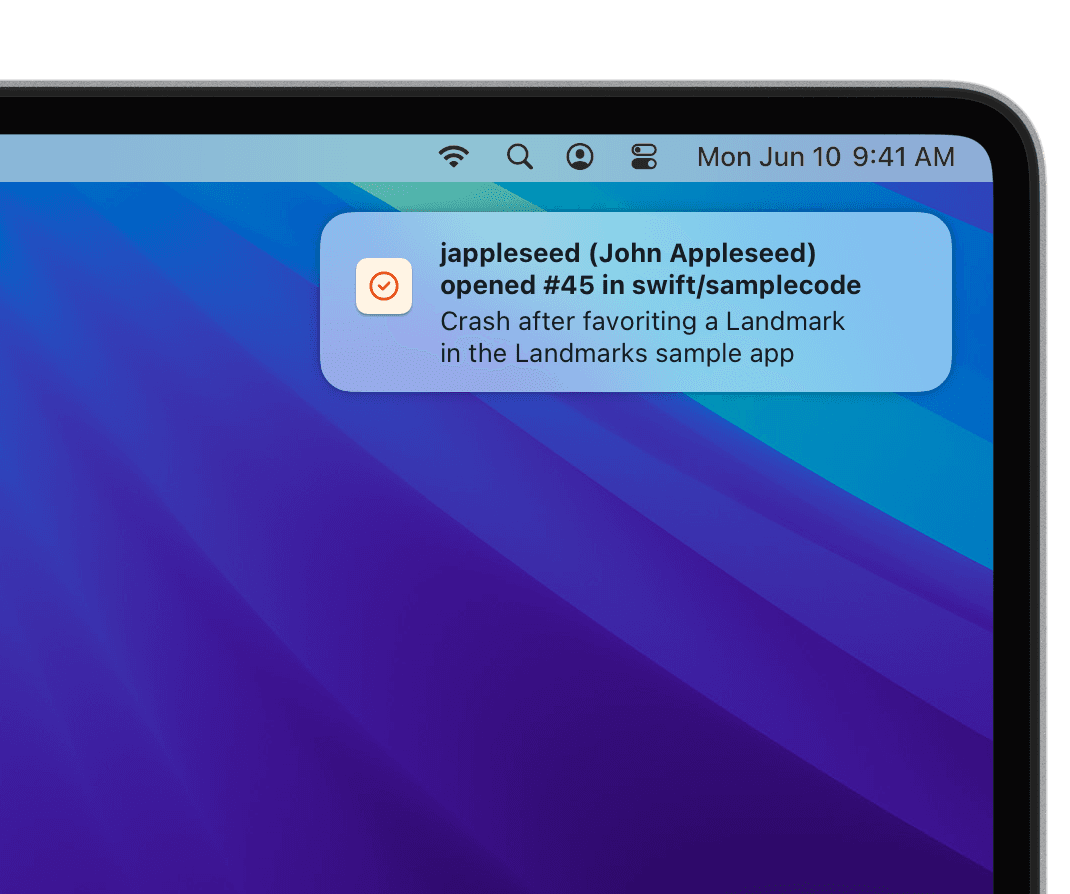
Native notifications
Get a notification when issues are opened or updated
- Tap on a notification to view issue details
- At a glance quickly see condensed relevant issue info
- Open Notification Center to see all recent issue notifications
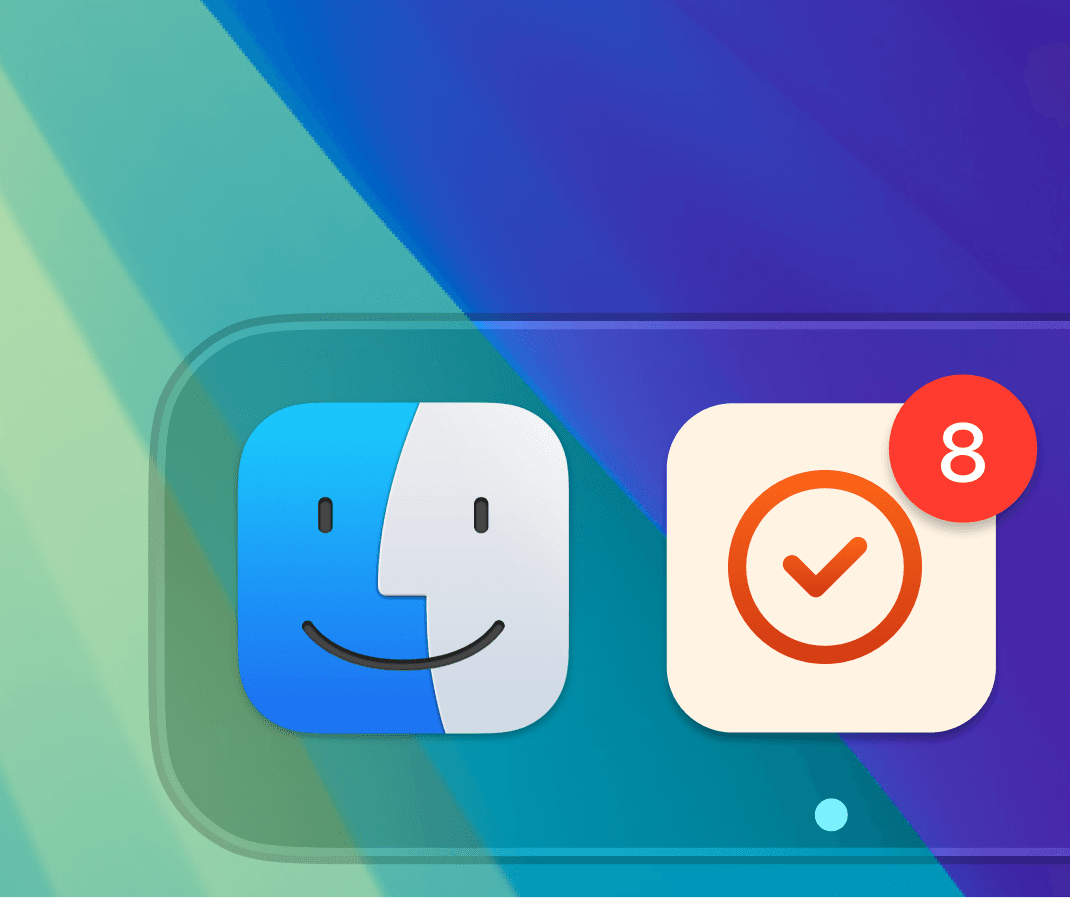
Unread Tracking
Quickly see how many new Issues are unread
- Per repository Issue unread count
- App Badge with total unread count
- Optionally disable unread tracking for each repository
Unread Tracking
Quickly see how many new Issues are unread
- Per repository Issue unread count
- App Badge with total unread count
- Optionally disable unread tracking for each repository
Uncompromising security
A dedicated client just as secure as using Github on the web
- No Github app or Github token setup
- Your code never leaves your machine
- Full support for two factor authentication and Github Enterprise instances behind VPN
Uncompromising security
A dedicated client just as secure as using Github on the web
- No Github app or Github token setup
- Your code never leaves your machine
- Full support for two factor authentication and Github Enterprise instances behind VPN
Pricing
Trial
License
No License Required
Track open source issues without a license
- •Public github.com repositories
- •Up to 5 repositories
FAQ
- Can Buggorama reach my company's Enterprise Github which requires a VPN?
- Yes, Buggorama fully supports Github Enterprise with the Personal or Team licenses. Since Buggorama is an app running on your machine, your company's Enterprise Github is accessible only if your computer is logged into VPN.
- Does using Buggorama expose access to our source code?
- No, Buggorama operates fully as an app running on your computer. There is no Github app or any other backend component that is granted access to your code.
- Can I configure Buggorama to specify which issues I'm notified about?
- Yes, Buggorama supports all of Github's native filters. Buggorama includes some prebuilt filters such as Assigned To Me, Mentioning Me, Recently Updated and Open Issues. But you are not limited to these filters. You can create your filter on Github and paste the resulting URL in Buggorama.
- Does the repository owner need to do any setup for Buggorama?
- No, Buggorama can access any repository you are able to view with no setup on Github. If the repository is public then Buggorama can track issues without logging into Github. If the repository is private, then you'll need to login to your Github account.